


how to create another eye catching hosting

Today will show you how to create another eye catching hosting layout. In this tutorial I will use only 2-3 colors, with small variations, and you can use this layout for any internet business you have. of course you need to make small changes.
Want to download this layered PSD layout ?
Register for a VIP account, and you will have 12 months free updates, this means you can download our next releases for the following months.
Want to download this layered PSD layout ?
Register for a VIP account, and you will have 12 months free updates, this means you can download our next releases for the following months.
For start we will need to create a new document. the size is as always 1000×1100 pixels, and I will create this document with a white background.
I will select Rectangle Tool, and I will create two shapes. For the top shape I will use the following color: #393e43, and for the bottom one I will use another color: #373a3e
I will select Rectangle Tool, and I will create two shapes. For the top shape I will use the following color: #393e43, and for the bottom one I will use another color: #373a3e
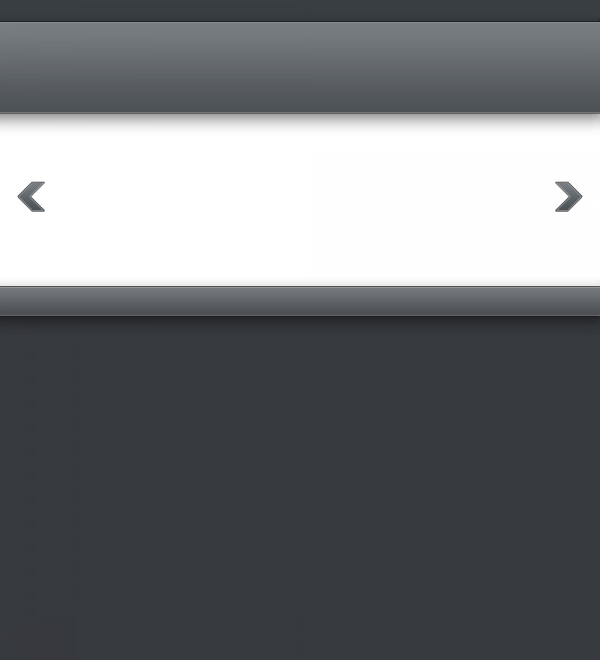
Then I will create another shapes like in the following image. Please click to see the full size image.
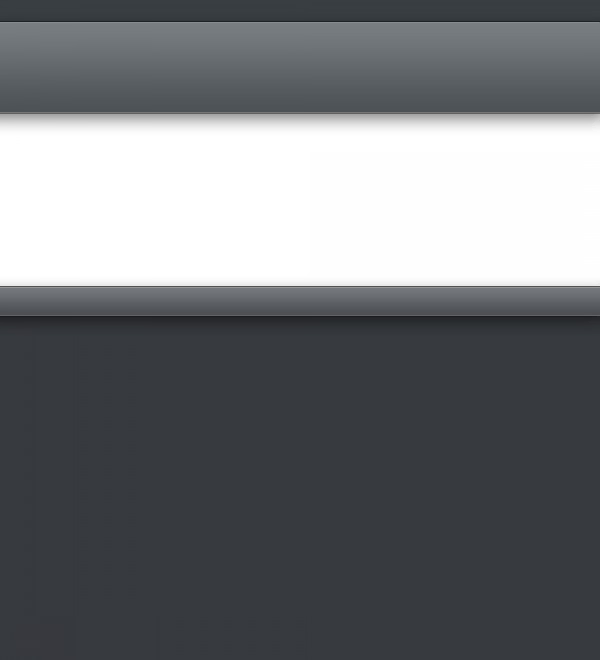
As you can see I have some layer styles applied to the layers:
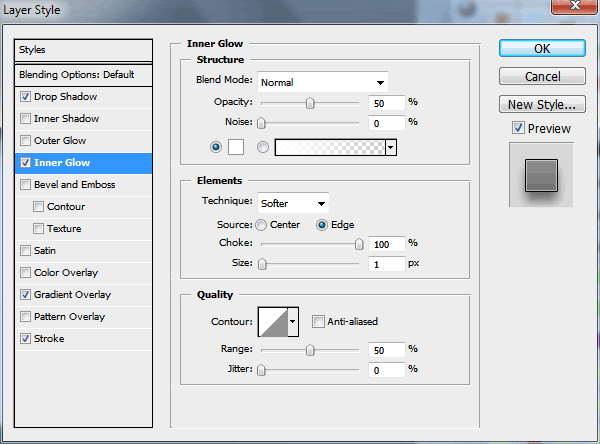
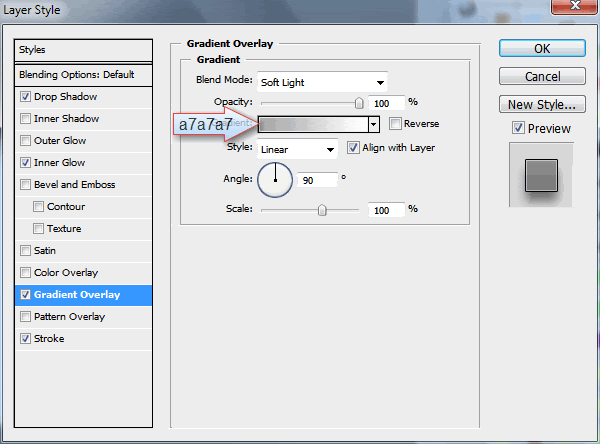
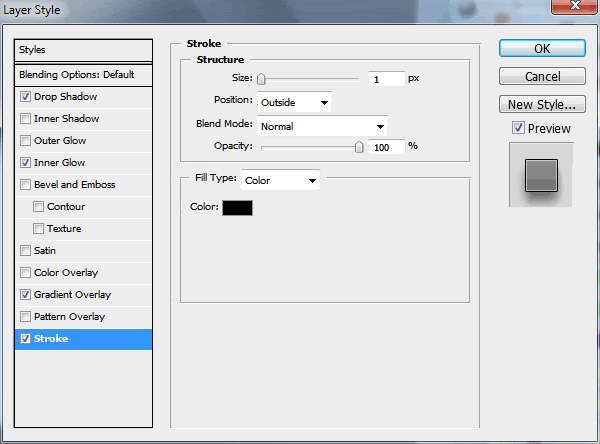
With custom shape tool, I will add some arrows. And I will add the same layer style as above.
Now I will create a button, with Rounded Rectangle Tool.
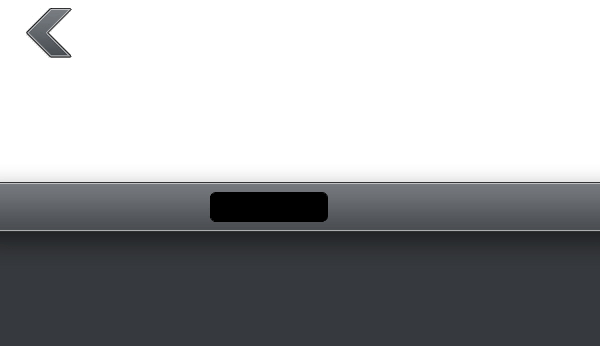
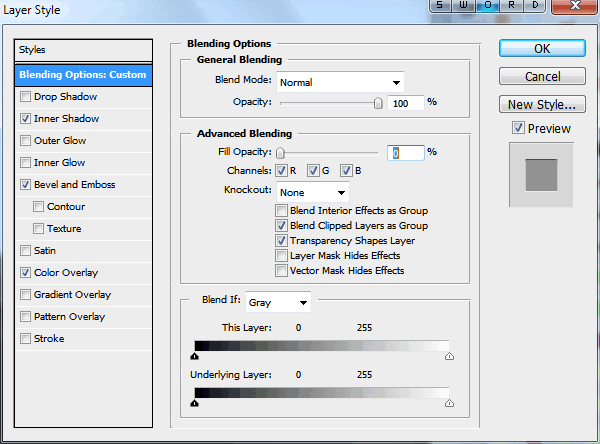
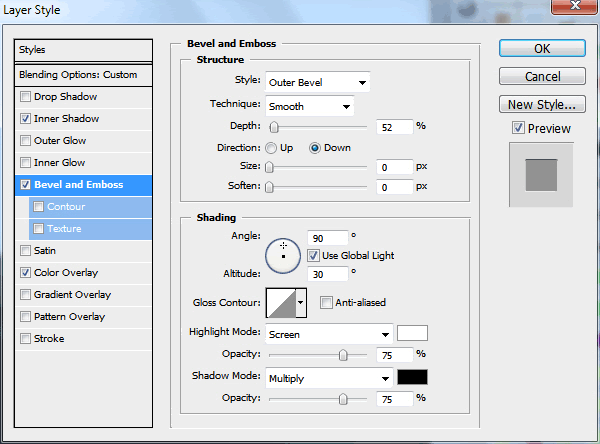
For this button I will add the following layer styles.


This is how my button will look like.

I will set my foreground color to #25272a, and I will create two shapes with Rounded Rectangle Tool. please click on the following image to see the full size.

For both shapes I will add the following layer styles.

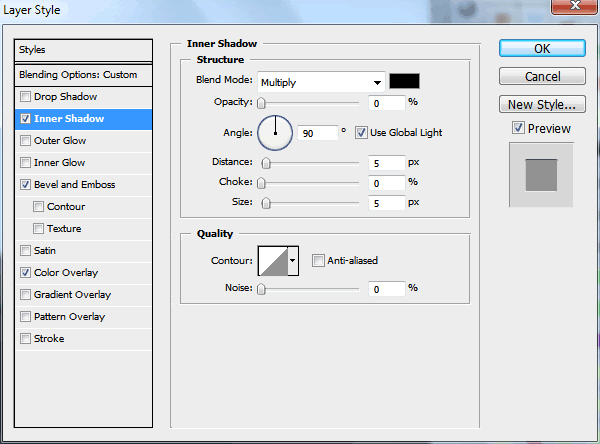

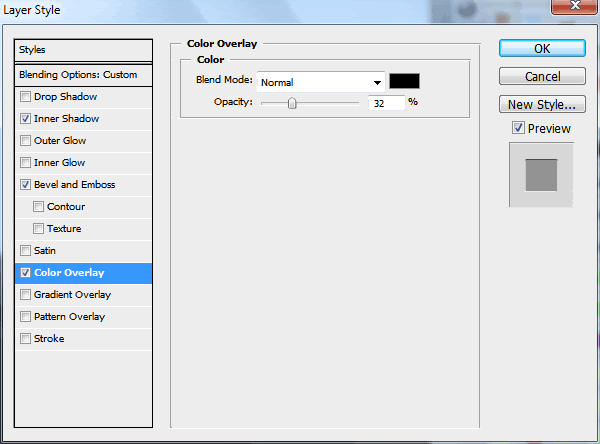
This is my result
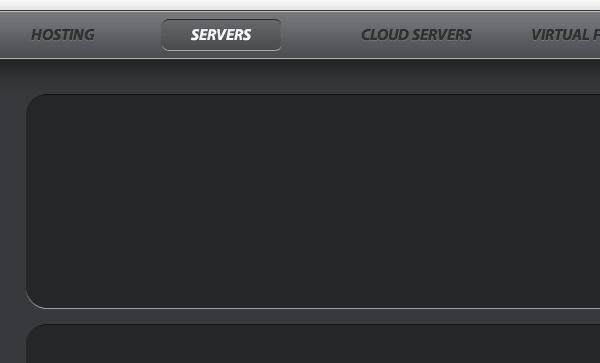
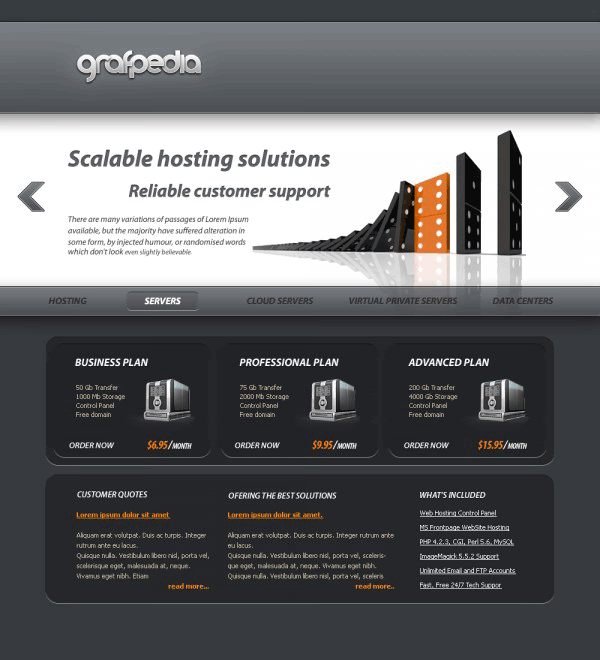
Over the top shape I will add another shapes, and I will use the same layer styles. here I will create the hosting plans. If you have more than three plans you can create more shapes.
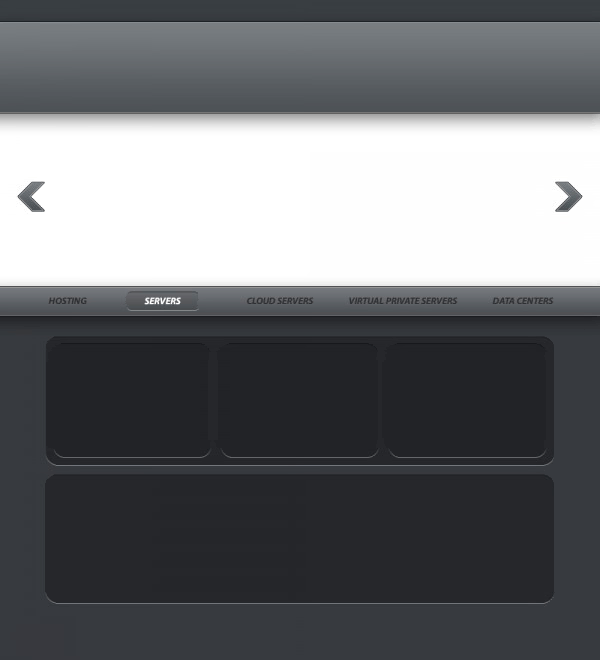
With Horizontal Type Tool, I will add some text, and in the same time I will add some images with some servers. please click on the following image to see the full size image.

I have used the following font: Myriad Pro ( italic )
In the middle of the layout I will add a nice image and another text.
In the middle of the layout I will add a nice image and another text.
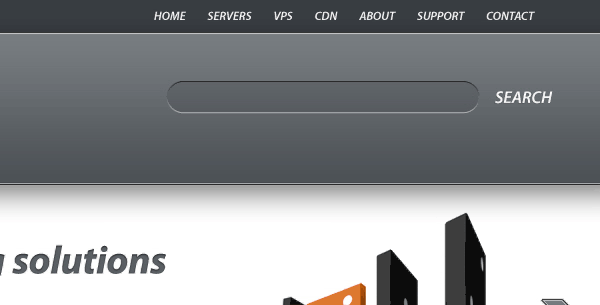
My last step is to create a search box, where your customers will be able to search available domain names. I will use the same layer style I have used for the button.
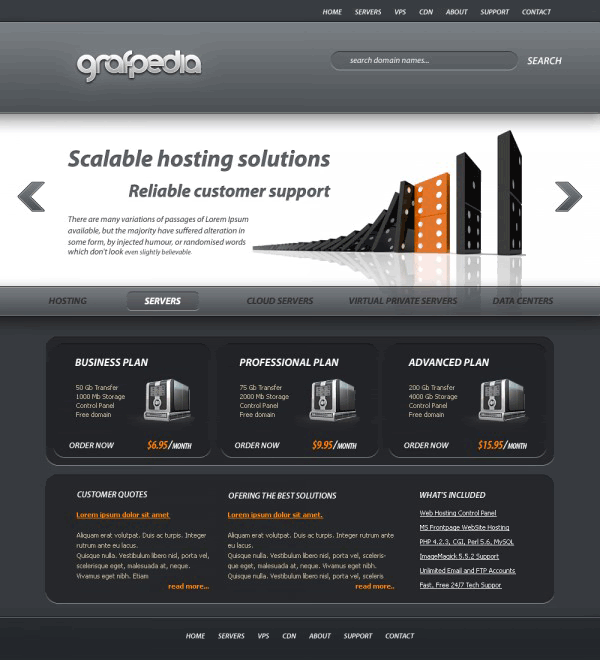
In the footer of the layout, I will add there another shape ( use the same layer styles as above ), and some text. This is my final result. I hope you like it.

0 التعليقات:
Post a Comment